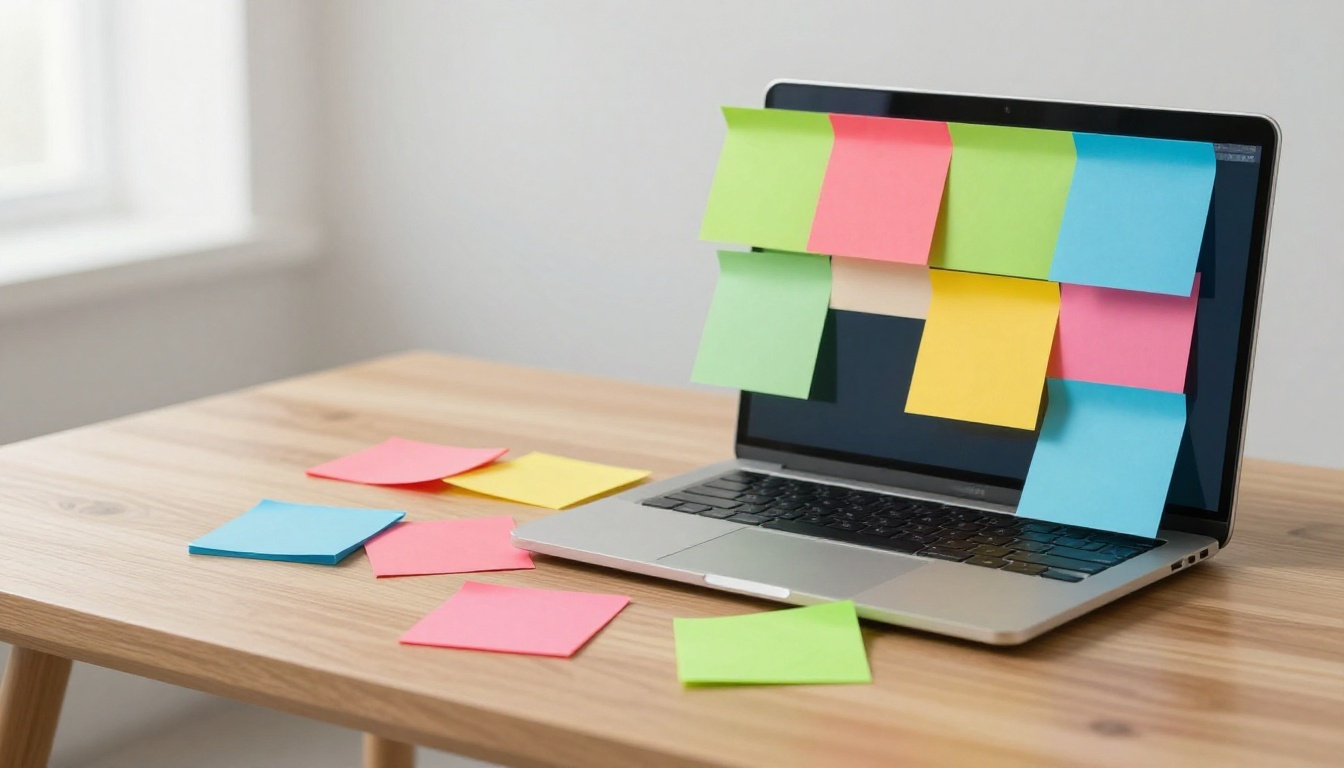
Imagine Sarah, a project manager buried under sticky notes, emails, and spreadsheets. Her desk looks like a rainbow exploded, but nothing stands out. She wastes hours hunting for urgent tasks. Chaos rules her day.
Color-coding fixes that. You assign specific colors to categories like urgent, done, or ideas. Spot what matters at a glance. Studies show colors boost memory recall by up to 75 percent. Your brain grabs visual cues faster than words.
This guide breaks it down. You’ll learn why colors work, a simple step-by-step plan, real-life uses, and traps to dodge. Stick around. You’ll organize notes, files, and projects with less stress and more focus.
Understand Why Colors Make Organizing Information So Much Easier
Our brains love colors. They process visuals 60,000 times quicker than text. That’s why traffic lights work. Red screams stop. Green says go. You react without thinking.
Colors cut mental effort. Instead of reading every label, you see red and know it’s urgent. Students remember study notes better. Pros make faster choices. Everyone saves time.
Accessibility matters too. Pair colors with patterns or textures. Color-blind folks still get the system.
Here’s a quick look at color effects:
| Color | Main Effect | Best For |
|---|---|---|
| Red | Grabs attention, urgent | Deadlines, errors |
| Green | Positive, complete | Success, healthy habits |
| Blue | Calm, trustworthy | Planning, long-term goals |
| Yellow | Highlights, cheerful | Ideas, reminders |
| Purple | Creative, unique | Brainstorming |
This table shows basics. Use it as a starting point.
Key Psychological Tricks Colors Play on Your Mind
Red signals danger or priority. It spikes heart rates in studies from Loyola University. Perfect for alerts.
Green evokes growth. Think money or checkmarks. It calms while showing progress.
Yellow draws eyes fast. Use it for fun notes or cautions. Too much tires viewers, so sparingly.
Blue builds trust. Offices use it for focus. Great for schedules.
Purple sparks imagination. Artists love it. Assign to creative tasks.
Orange energizes. It warns without red’s intensity. Good for medium priorities.
Test what works for you. Personal links strengthen recall.
Real Productivity Wins from Smart Color Use
- Spot urgent items right away. No more digging through lists.
- Group like info fast. See all bills in one green stack.
- Halve search time. Visual scans beat scrolling.
- Feel motivated. Green “done” piles show wins.
Picture a busy parent. Before, laundry lists blend. After, red chores pop. They finish faster, stress drops. You get that too.
Step-by-Step Guide to Picking and Applying the Perfect Colors
Start simple. Follow these five steps. Build a system that sticks.
- List your info types. Jot tasks, bills, ideas, projects. What repeats daily?
- Pick intuitive colors. Use psychology. Red for urgent. Green for money.
- Cap at six to eight colors. More confuses. Start small.
- Test small. Color one notebook or app folder. Check after a week.
- Add text labels. “Red = Urgent” backs visuals. Share the key.
Consistency wins. Use the same across apps and papers. Make a cheat sheet. List colors and meanings in a note.
Sample palette: Red (urgent), orange (soon), yellow (ideas), green (done/money), blue (plans), purple (creative), gray (low priority).
Customize. If green means stop for you, swap it.
Match Colors to Common Information Categories
Finances get green. Growth links to cash.
Health uses blue. Calm supports wellness tracking.
Work projects take orange. Energy fits deadlines.
Personal goals shine in purple. Inspiration drives them.
Urgent alerts stay red. Instant grab.
Low priority fades to gray. It blends back.
Tweak for life. A teacher might pink for students. Why? Joyful energy.
Build a Color System That Lasts Long-Term
Create a master key. One doc lists: Red – Urgent tasks. Review it weekly.
Scale slow. Add colors only if needed. Check yearly.
Tie to habits. Color during Sunday prep. It sticks.
Template: “My Colors: Red=Now, Green=Go…” Pin it everywhere.
Put Color-Coding to Work in Your Daily Life
Apply colors anywhere. Digital tools shine. Physical setups endure. Teams sync easy.
Students color code flashcards. Pros tag emails. Homemakers sort recipes. Everyone benefits.
Versatility rules. Mix worlds for full power.
Color-Code Your Digital World Effortlessly
Apps make it simple. In Google Keep, tag notes red for to-dos.
Evernote highlights rules. Yellow for ideas, blue for research.
Outlook flags emails. Red high, green low.
Steps for Notion: Create properties. Assign colors to status. Pages glow by type.
Files sort too. Green folders for finances. Search time drops.
Organize Physical Items with Color Pops
Binders get tabs. Red front for urgent.
Sticky notes stack by color. Yellow brainstorms.
Calendars use highlighters. Blue blocks for meetings.
Budget hack: Colored washi tape on jars. See savings grow green.
Weekly planner example: Monday reds lead. Greens mark wins.
Level Up Projects and Teams with Shared Colors
Trello boards use labels. Yellow to-do, green done.
Asana tasks color by status. Teams see progress.
Whiteboards add pops. Remote? Share keys in chats.
Get buy-in. Demo wins first. “See how red jumps out?”
Steer Clear of These Color-Coding Traps for Lasting Success
Too many colors overwhelm. Stick to eight max.
Ignore color blindness? Test with tools like Color Oracle. Add patterns.
Poor screen contrast fails. Dark red on black? No. Boost brightness.
Inconsistency creeps. Review keys monthly.
Cultural diffs matter. White means pure in US, mourning elsewhere.
Fix quick. Tweak one trap today. Systems improve fast.
Color-coding transforms chaos to calm. Science backs it: brains grab visuals quick. You pick colors with steps: list types, assign smart, test small, label clear, stay consistent.
Match categories like green finances or red urgents. Build lasting keys. Apply digital in apps, physical with tabs, teams on boards.
Dodge traps. Limit colors. Add backups.
Pick three categories now. Assign hues. Watch order emerge.
Share your system. Comment below: What’s your go-to color? Ready to make info fun?